

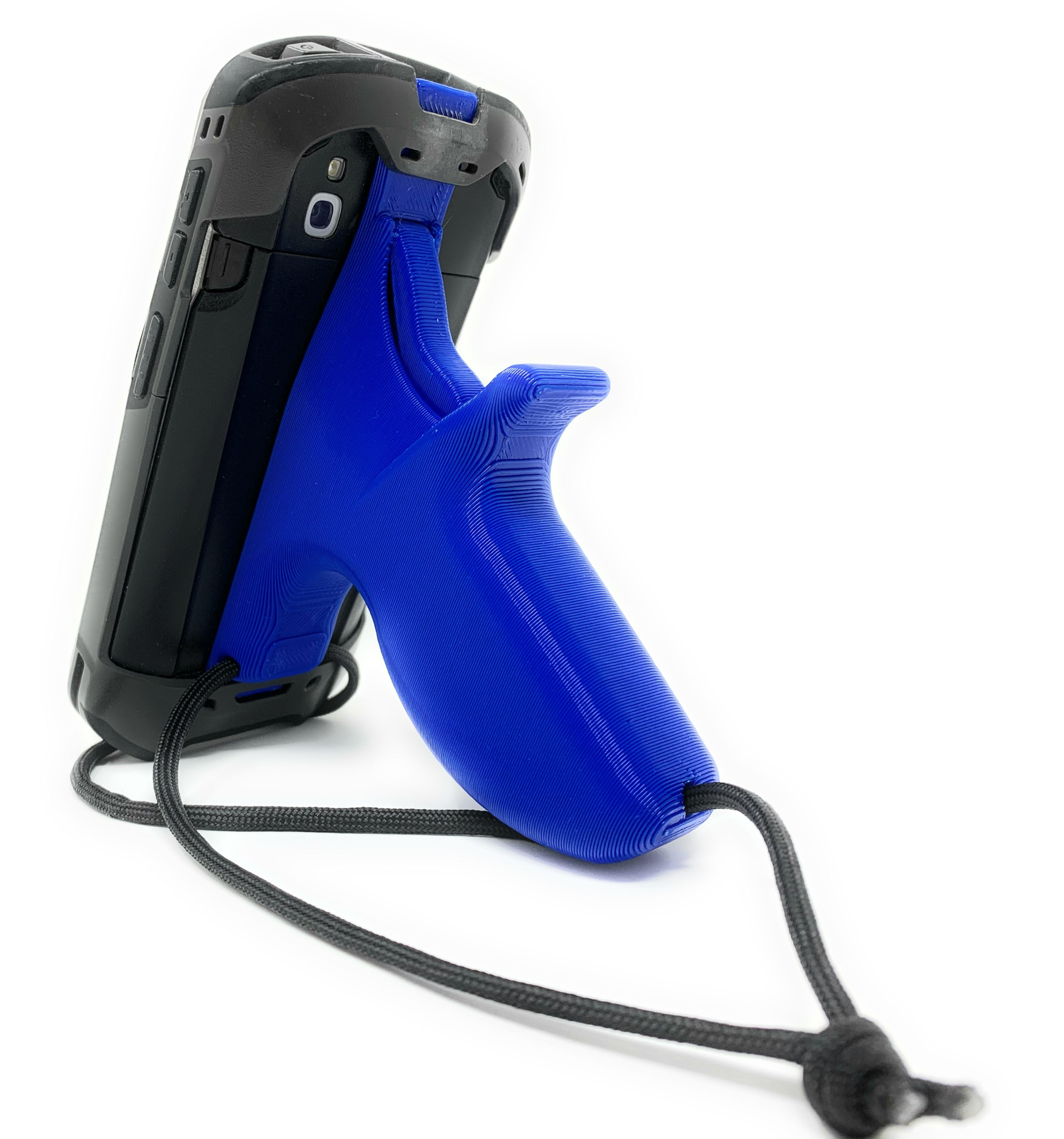

TRIGGER HANDLE WITH STRAP (Requires Rugged Boot Case) Fits the TC51, TC52, TC56, TC57 series of Touch Computer handheld scanners by Zebra
Does not work with the TC55, TC52x, or TC57x
Rugged Boot bumper case by Zebra is required for the handle to attach
Ergonomic handle for more comfortable scanning
Pull the trigger to activate the scanner (presses the bottom scanner button)
Does not block rear camera
Fits in charging cradle without needing to remove the handle
Available in 15 colors with the option to add custom text!
HOW DOES IT WORK? Squeeze the trigger to mechanically press the bottom button and activate the scanner. No electronics!
PICK A COLOR
Pink | Bright Red | Dark Red | Orange | Yellow | Light Green | Dark Green | Light Blue | Blue | Purple | Brown | Black | Silver | Marble Look | White
CUSTOMIZE IT!
Add custom text (up to 14 characters) to the side of the handle to make your grip stand out. Add your name, an asset tracking number, job role, etc. Looks best in ALL CAPS and will be engraved exactly as you type it!
YOU GET
Trigger handle with wrist strap
Manual
60 day warranty
Not Included: Handheld scanner
